Tutorials
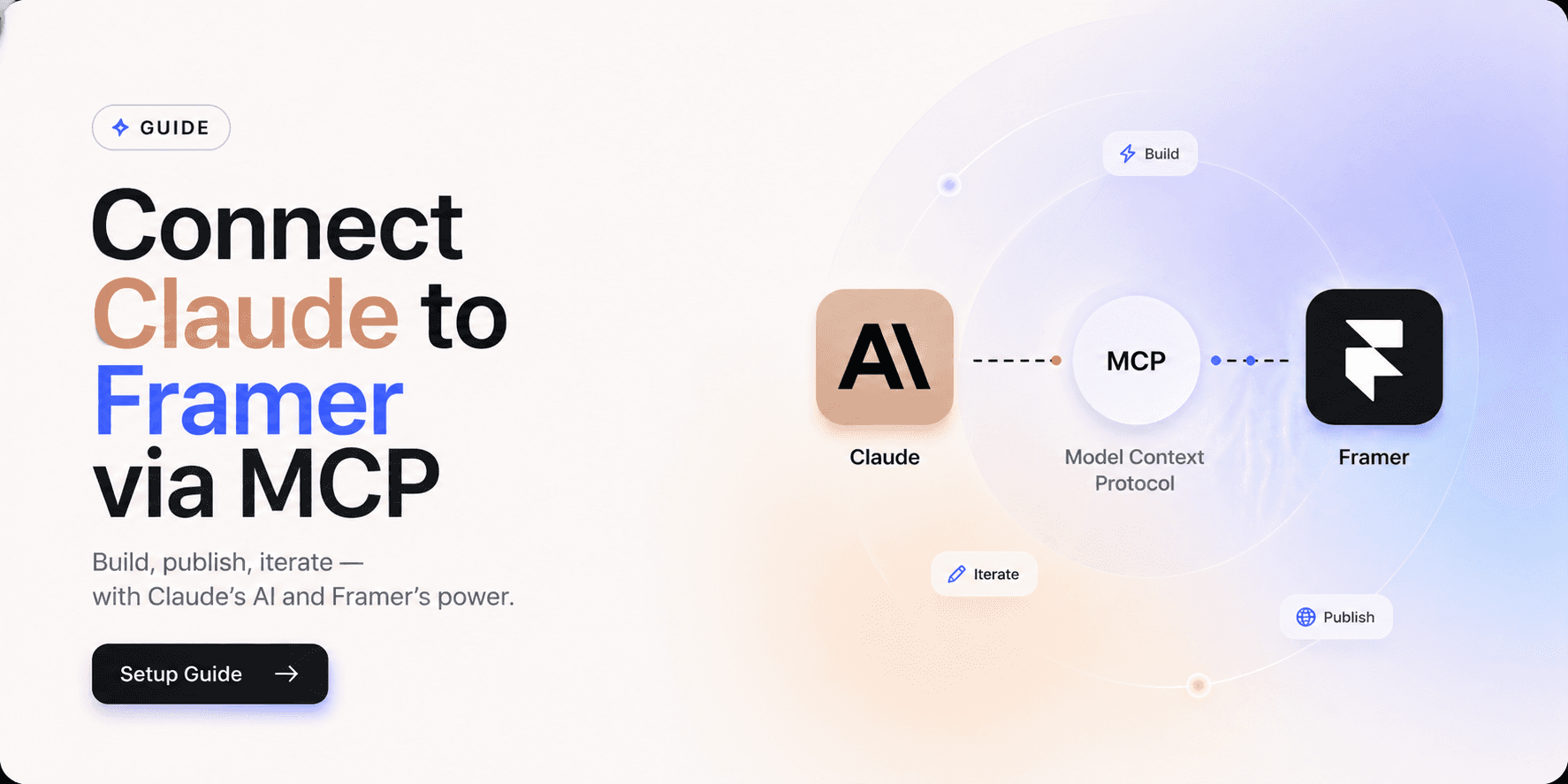
How to Connect Claude to Framer via MCP — Full Setup Guide

framerraf
The Framer MCP plugin lets Claude AI talk directly to your Framer project — rewrite copy, update colour styles, audit content, audit content, and more — just by typing what you want. Setup takes under 2 minutes.
What is Framer MCP?
MCP (Model Context Protocol) is an open standard — created by Anthropic in November 2024 — that lets AI assistants communicate directly with external tools. Think of it as a USB-C standard for AI and software: one protocol that connects everything.
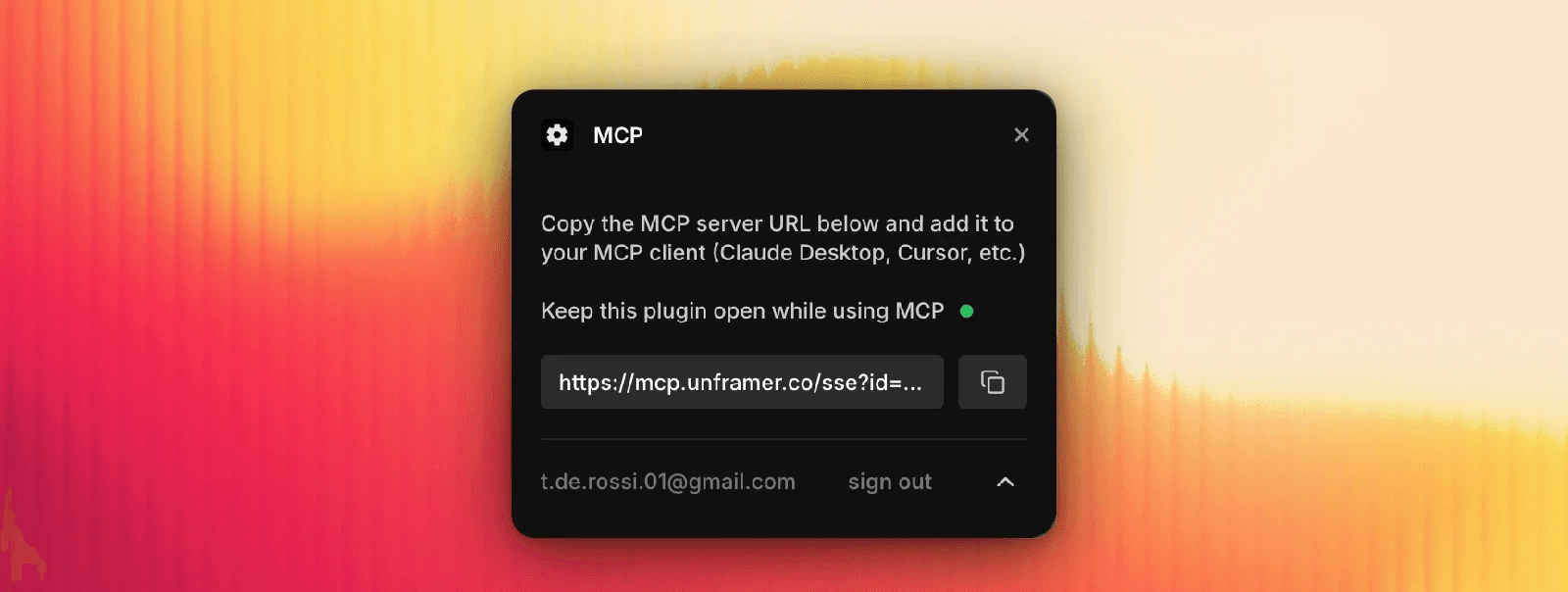
The Framer MCP plugin by Tommy D. Rossi creates a secure WebSocket tunnel between your Framer canvas and Claude. Unlike traditional AI assistance where Claude can only advise you, the MCP connection lets it execute changes directly inside your project — updating text, colour styles, components, and more.
Step 1 — Set up the plugin in Framer
Open your Framer project
Press ⌘K and go to Plugins
Search and open the MCP plugin
Search for and open the MCP plugin
Sign in and copy the unique URL it gives you
Step 2 — Connect it to Claude Desktop
Open Claude Desktop
Go to Settings → Developer → Edit Config
Open the config file
Add a new MCP server entry
Paste the URL you copied from Framer
Restart Claude Desktop
That's it — you're connected.
Step 3 — Test the connection
Open Framer with the MCP plugin running.
Ask Claude: "Can you see my Framer project?"
If it responds with your project details, you're good to go.
What you can ask Claude to do in Framer
1.Rewrite & optimise copy
"Rewrite the hero heading to be more conversion-focused for a SaaS audience"
2.Update styles & tokens
"Replace all instances of #000000 with #1A1A1A across every component"
3.SEO optimisation
"Update meta descriptions on all pages with keyword-rich copy under 160 chars"
4.Export React code
"Export the Hero component as production-ready React code using unframer"
5.Content audit
"Review all pages for inconsistent CTAs and suggest fixes"
6.Build new sections
"Add a FAQ section to the pricing page with 5 common questions"